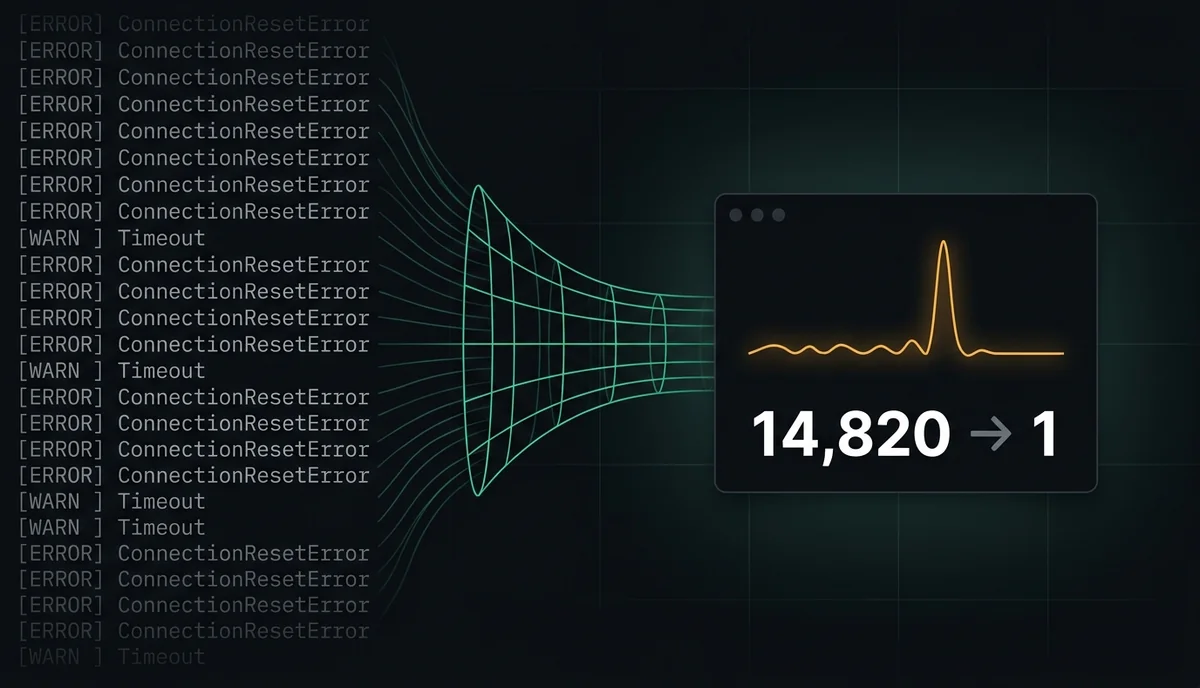
Why huge CI logs bury the one traceback you actually need
When a test runner, Docker build, or dependency step emits thousands of repeated status lines, ANSI progress-bar redraws, or `ConnectionResetError` retries, the actual Python or runtime traceback gets buried under megabytes of repetitive scrollback.
Ad-hoc `grep -v` or `tail -n 200` pipes introduce two dangerous bugs: they slice away surrounding context needed for root-cause triage, and naive shell pipes can swallow the upstream command's non-zero exit code, turning a broken build falsely green.
Step 1: Deduplicate repetitive stdout/stderr streams in constant memory
A practical stream compressor reads line-by-line from `stdin` instead of buffering gigabytes in RAM, normalizes noisy ANSI carriage-return frames, and collapses consecutive or repeated pattern lines into a compact count.
Built purely on the Python standard library, `logshrink` shrinks verbose CI and build output by 70–90% while letting every panic stack, exception traceback, and failure boundary pass through unmodified.
pip install logshrink

# Test çıktısını hata yığınlarını kaybetmeden daralt
pytest -vv 2>&1 | logshrink

# Çıkış kodunu korumak için pipefail ile kullanın
set -o pipefail && docker build . 2>&1 | logshrink
Step 2: Triage an existing multi-megabyte log dump before opening an editor
When you are handed a 200 MB server or container log dump after an incident, streaming the file through `logshrink` collapses retry storms and healthcheck loops before you ever open an editor.
Once the repetitive storm collapses into clean counts, the remaining chronological signal makes the exact fault transition—first failure followed by retry cascade—obvious in seconds.
# İndirilen production veya CI log dosyasını daraltılmış özetle incele
cat build-failure.log | logshrink | less -R
Source: LogShrink project page and streaming architecture
Source: PyPI: logshrink package
Source: GitHub: umutgungorr/logshrink