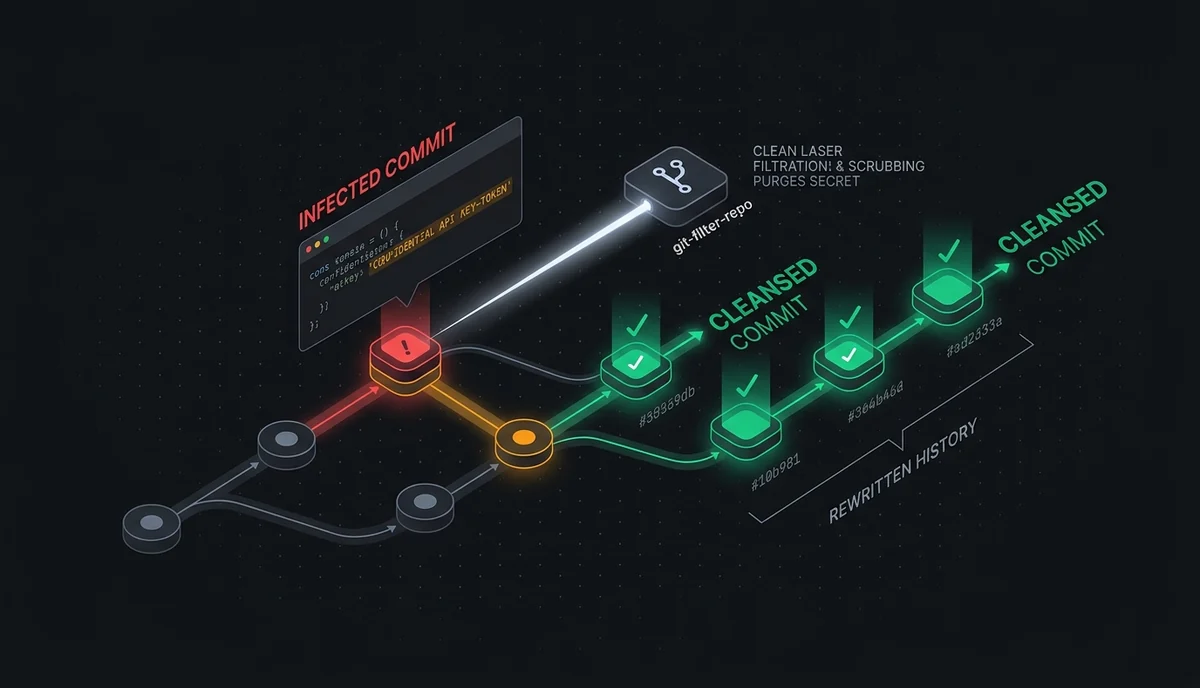
Step 1: Revoke & Rotate the Exposed Key Before Scrubbing History
If the commit reached a public remote, automated scanners may have indexed it within seconds. Running `git rm` in a follow-up commit keeps the secret readable in earlier commits, so always revoke and rotate the exposed credential first.
Step 2: Scrubbing the File or Secret String with git filter-repo
`git-filter-repo` is the officially recommended replacement for `git filter-branch`. You can purge an entire `.env` file across all commits or replace a leaked token string with `***REMOVED***`.
# 1) Taze bir mirror/klon üzerinde çalışın
pip install git-filter-repo

# 2a) Yanlışlıkla eklenen .env dosyasını tüm geçmişten silme
git filter-repo --path .env --invert-paths --force

# 2b) Veya belirli bir anahtar dizgisini metin olarak maskeleme
# secrets.txt içeriği: sk_live_ORNEK_ANAHTAR==>***REMOVED***
git filter-repo --replace-text secrets.txt --force

# 3) Temizlenmiş geçmişi zorla pushlayın ve .gitignore'a ekleyin
echo ".env" >> .gitignore
git push --force --all
git push --force --tags
Step 3: Prevent Future Leaks Locally with TokenGuard Pre-Commit
Scrubbing history is incident response; the real fix is blocking secrets locally before `git commit` completes. TokenGuard scans staged diffs with regex rules and Shannon entropy completely offline.
pip install tokenguard-cli

# Staged dosyaları commit öncesi tara
tokenguard scan --staged

# Otomatik Git pre-commit kancası kur
tokenguard install-hook